Favicon
For all users
Updated Nov 2025
A favicon is the small icon that appears in browser tabs, bookmarks, and some search results. It helps users quickly identify your website and strengthens your brand recognition.
Finding Favicon
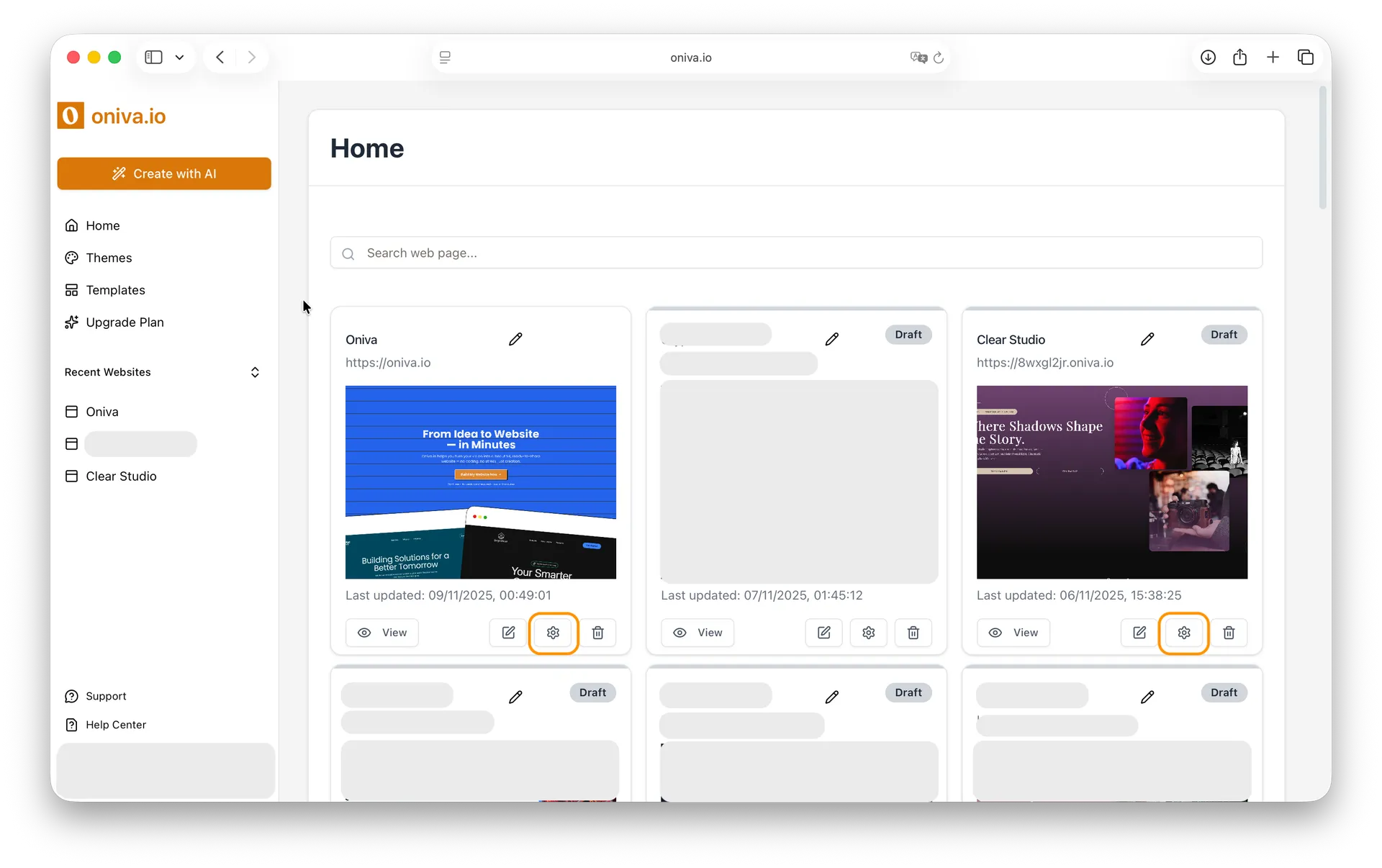
You can access Favicon in Oniva.io in two ways:
1 - From the editor left sidebar: While editing a page, click the Website Settings icon in the left sidebar.

2- From your home page - place where all your projects are listed: Find the website you want to edit its favicon tags and click the Website Settings button.
How to configure your website's favicon
To configure your favicon:
1- Select a favicon
Click on the favicon field and choose an image from your files. The image should be square.
2- Save your changes
Scroll to the bottom of the page and click Save to apply the new favicon to your website.
